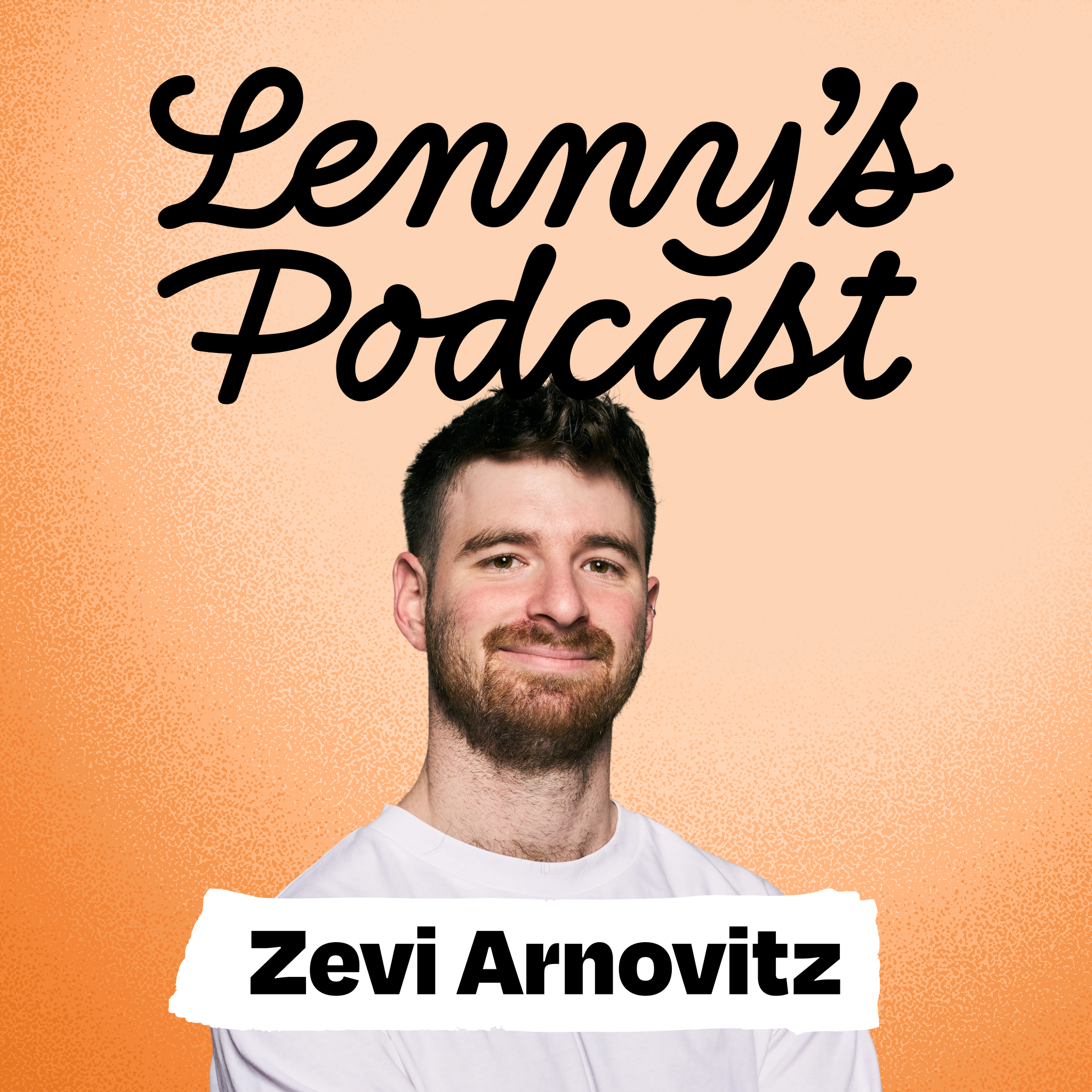
Overview of The non-technical PM’s guide to building with Cursor | Zevi Arnovitz (Meta)
This episode features Zevi Arnowitz (PM, Meta) interviewed by Lenny Rachitsky. Zevi — a non-technical PM who built paying products without prior coding experience — walks through a repeatable, pragmatic workflow for building real apps using AI-first tooling (Cursor + Cloud Code, Claude, Composer, Codex, Gemini, etc.). He shares slash-command templates, a CTO-style system prompt, how he iterates on prompts/docs, and how he uses multiple models for planning, implementation, review, and learning. The show is aimed at non-technical product people who want to ship features or side projects using AI.
Key takeaways
- AI democratizes product building: non-technical PMs can ideate, plan, implement, review, and ship features using modern AI tools.
- Start slow: begin in a GPT project (as a “CTO” or co-pilot), graduate to higher-control tools (Bolt/Lovable), then to Cursor with Cloud Code.
- Create a formal workflow (slash commands + system prompt) so agents behave predictably and you avoid “vibing” into buggy code.
- Use multiple models in tandem — play to each model’s strengths and have them peer-review each other to surface different classes of bugs.
- Continuously update prompts, docs, and tooling after failures — treat mistakes as learning opportunities to harden future automation.
- “You won’t be replaced by AI; you’ll be replaced by someone better at using AI.” It’s an excellent era to be a learner/junior.
Notable quotes
- “If people walk away thinking how amazing you are, you failed. If people walk away and open their computer and start building, you’ve succeeded.”
- “You will be replaced by someone who’s better at using AI than you.”
- “Nobody knows what the f*** they’re doing.” (Life motto Zevi likes — normalizes uncertainty and experimentation.)
Workflow — step-by-step (what Zevi does)
High-level flow
- Capture idea/bug mid-development (fast, low-friction).
- Explore & clarify (agent inspects codebase + asks questions).
- Create a plan (structured markdown with tasks & decisions).
- Execute the plan (agent writes code; often model-selected by task).
- Manual QA (human checks running app locally).
- Code review and peer review (multiple models review and debate).
- Update docs/tooling (postmortem, fix prompts, add guardrails).
- Ship + user testing.
Typical slash commands Zevi uses (names + purpose)
- /create_issue — quickly create a Linear ticket while mid-development
- /exploration_phase — agent pulls ticket and relevant files, asks clarifying Qs
- /create_plan — output a concise markdown plan with tasks, TL;DR, decisions
- /execute_plan — agent executes code changes (Composer, etc.)
- /review — have an agent review code in branch
- /peer_review — aggregate different model reviews and require explanations
- /update_docs or /learning_opportunity — have agent explain mistakes and update docs/prompts
- /dslop — (Cursor concept) reduce “slop” left by AI-generated code
(Zevi shares downloadable prompts/slash commands in the episode notes.)
Tools, models, and roles (how he composes the stack)
- Cursor + Cloud Code: central environment for code + embedded agents and slash commands.
- Claude / Claude Code: Zevi’s favorite “CTO/dev lead” agent — collaborative, communicative, good at exploring & explaining.
- Composer (Cursor): ultra-fast model used to execute straightforward code tasks.
- Codex / GPT models: used for heavy-duty bug fixes and deep coding problems (the “silent hoodie engineer”).
- Gemini (Google): excels at UI/design — powerful but can be “risky” (creative/edgy changes).
- Bolt / Lovable / Replit / Base44: earlier “vibe coding” tools — opinionated and easy but less flexible for advanced control.
- Linear (issues), GitHub (branches), Whisperflow (voice input), Perplexity/Comet (web research), Base44 (quick prototypes).
Model strategy: pick a model for its strengths (Composer = speed; Claude = communication & planning; Codex = hard bug fixes; Gemini = UI), then cross-validate with others.
Practical tips & recommendations (for non-technical PMs)
- Start small and gradually escalate:
- Begin in a GPT project (safe, chat-based learning).
- Move to opinionated no-code/vibe-code tools (Bolt/Lovable) to get confidence.
- Graduate to Cursor + Cloud Code when you need full control.
- Build a “CTO” system prompt inside a project: instruct a co-pilot to challenge you, own technical decisions, and not be sycophantic.
- Make your repo AI-native:
- Add human-readable markdown docs and high-level architecture files so agents can navigate and reason about the codebase.
- Create consistent naming and guardrails to reduce mistakes.
- Treat the agent as a teammate: use voice mode for rapid ideation and capture (it feels like conversing with your CTO).
- Use the “learning opportunity” command to learn architecture/implementation with 80/20 explanations.
- After bugs, ask the agent “why did this happen?” and update the system prompt or docs so the mistake doesn’t repeat.
- Use multiple model reviewers (peer review) — copy/paste their reports and make the leading agent defend or fix issues.
- Consider AI costs as “tuition” — small charges are worth the learning/velocity gains.
Actionable first steps (for listeners)
- Create a GPT/Claude project and teach it to act as your CTO (system prompt).
- Build a tiny side project or prototype (e.g., StudyMate-style feature) and capture ideas with a /create_issue flow.
- Add a /create_plan slash command that outputs a one-page markdown plan.
- Execute one small UI change via Composer in Cursor.
- Run /review and then /peer_review with 2–3 models; iterate.
- Add the insights to repo docs so the next agent—or human—won’t repeat mistakes.
How this can scale inside larger companies
- Make the codebase “AI-native”: markdown docs, a system prompt standard, and clear boundaries where agents can operate safely.
- PMs can ship contained UI changes or prototype features, but complex migrations and critical infra changes should remain with engineers (PMs and engineers should collaborate).
- Expect cultural hurdles: many developers are skeptical; success requires initial technical work and internal alignment.
- Over time, roles/titles may blur as everyone learns to be a builder; PMs should use AI to become better learners and collaborators, not to fully replace engineering expertise.
Failures & lessons (Failure Corner)
- Early failure at Wix: Zevi bombed his first product review because he tried to “look like the expert” instead of learning and collaborating.
- Lesson: Be a 10x learner. Use mentors, iterate, and treat feedback as part of the growth path; success becomes a team win when you credit and learn from mentors.
Interview prep & other use-cases Zevi shared
- Interview prep using Claude projects:
- Create a coach project that collects best resources, frameworks, and performs mocks.
- Build small practice web apps (Base44) for specific skills (e.g., segmentation).
- Combine AI mocks with real human mocks (LinkedIn outreach) — humans are still critical.
- Use question banks (e.g., Louis Lin) and research agents (Perplexity/Comet) to prioritize high-frequency interview topics.
- Other uses: localization (Hebrew→English), launching personal sites, building business tooling (replacing tools like Zapier/Airtable for small businesses).
Lightning-round highlights (quick favorites)
- Books: The Fountainhead (fiction), Shoe Dog (business), Mindset (Carol Dweck).
- Shows: Severance, The Pit.
- Products: Cap (Loom alternative), Supercut (Luma alternative).
- Mottos: “You can just do things.” / “Nobody knows what the f*** they’re doing.”
Resources & next steps
- Zevi makes slash commands and prompts available in the episode notes (download and plug into Cursor).
- Try the workflow on a small side project:
- Create the CTO system prompt + /create_issue
- Use /exploration_phase to fetch ticket + files
- /create_plan → /execute_plan → manual QA → /review → /peer_review → /update_docs
- Reach Zevi on LinkedIn/X for questions; try his app StudyMate and give feedback.
Final nutshell
Zevi’s workflow turns code from a black box into a repeatable, teachable process for non-technical PMs. The core is disciplined tooling: a CTO-style system prompt, structured slash commands, model-specific execution, multi-model peer review, and continuous prompt/doc improvements. Start small, learn fast, and use AI as a co-pilot that helps you ship and learn.